Use Fewer Brushes: A Digital Painting Drill for Cleaner Decisions
A large brush library can make digital painting feel flexible, but it also creates a quiet form of avoidance. When a passage is not working, switching tools feels productive even if the real problem is value, shape, or placement.
This drill limits the entire study to three brushes. The restriction is not a claim that custom tools are unnecessary. It is a way to make visual decisions visible again.
Choose three distinct jobs
Select one hard opaque brush, one soft pressure-sensitive brush, and one textured brush with a clear, uncomplicated grain. Reset unusual scattering, colour jitter, and shape effects. The brushes should behave predictably.
Assign each tool a job:
- Hard brush: silhouettes, planes, corrections, and crisp accents.
- Soft brush: gradual light changes and atmospheric transitions.
- Textured brush: selective surface variation near the end.
Do not add a fourth brush midway through the session. If a mark feels impossible, solve it through scale, pressure, opacity, or shape.
Write a one-sentence brief
Before painting, describe the image without style language: “a dark building beyond a reflective path under a pale sky,” or “a figure crossing a bright doorway inside a large shadow.” This sentence defines the value event that must survive every later decision.
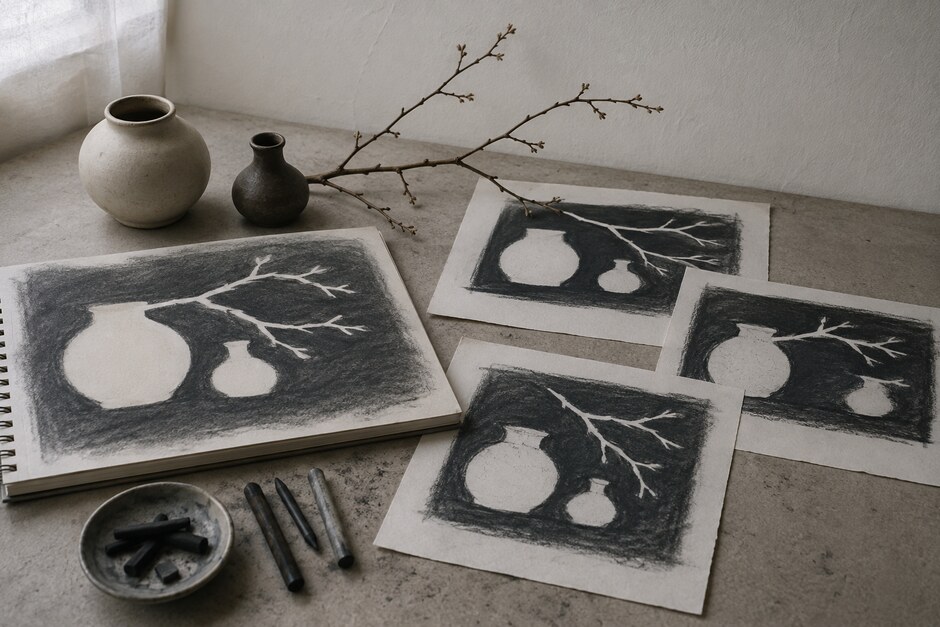
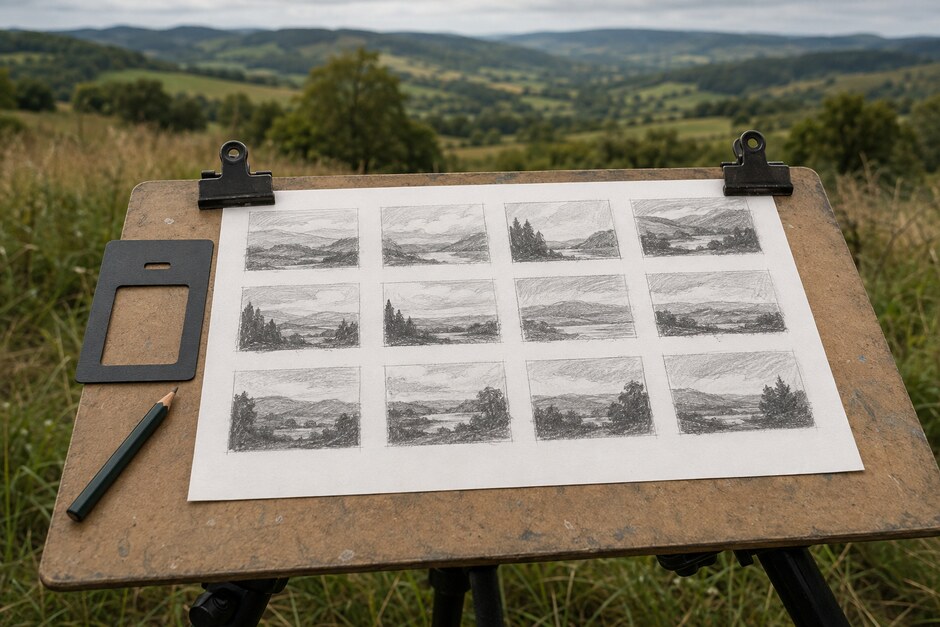
Make three tiny black-and-white thumbnails with the hard brush. Choose the one that reads clearly when zoomed out.
Block with full-opacity shapes
Use the hard brush at a large size and place the main light, middle, and dark groups. Avoid blending. If a silhouette feels wrong, repaint it as a shape rather than erasing around it with a small brush.
Keep the layer count modest: background, main shapes, light, and accents are enough for the drill. Excess layers can hide indecision by making every small correction reversible.
Use softness only where form turns
Introduce the soft brush after the composition reads. Apply it where light turns across a large form or atmosphere separates distances. Do not airbrush every transition. A soft tool used everywhere removes the structural differences established in the block-in.
Toggle the soft layer off occasionally. If the image collapses without it, the underlying shapes need more work.
Change brush size before changing brush type
The hard brush can make a building, a window, or a hairline depending on scale. The textured brush can suggest a broad ground plane or a small damaged edge. Explore those ranges before assuming a different preset is required.
A useful check is to paint one secondary area using only the hard brush. If the material still reads through value and edge behaviour, texture is optional rather than structural.
Spend texture in clusters
Use the textured brush in two or three grouped areas, preferably near the focal path. Leave other surfaces simple. Scattered texture creates equal attention across the canvas and weakens scale.
Zoom out after every short texture pass. At normal viewing size, individual marks should merge into a change of surface, not look like a stamp repeated across the image.
Finish with an edge audit
Inspect the image at fit-to-screen size and identify the hardest edge, the softest transition, and one boundary that can disappear. If all edges feel alike, revise them with the existing three tools.
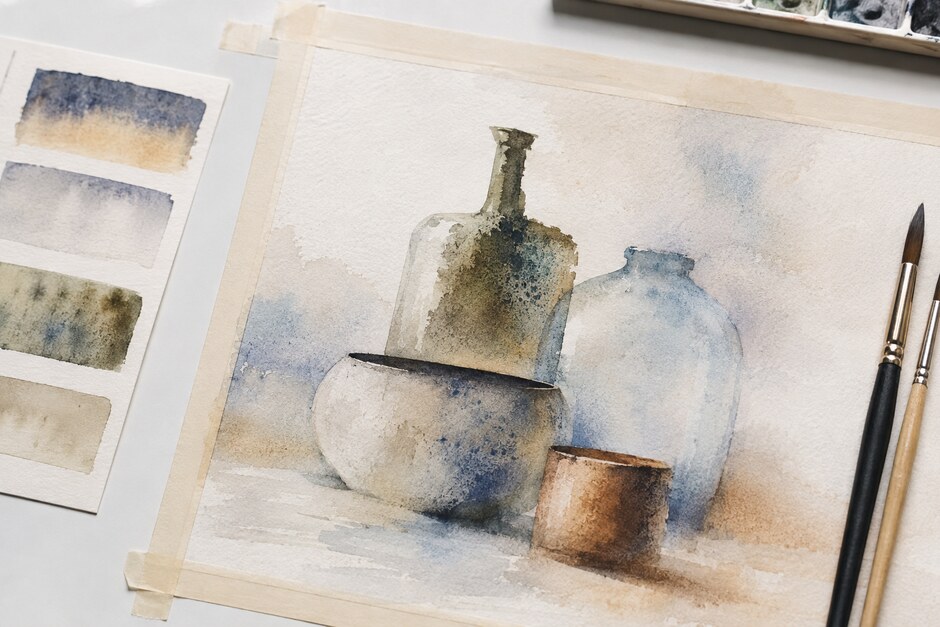
The water-based process in Edges Before Details offers a useful parallel: edge hierarchy is independent of medium. Digital control should make that hierarchy easier to place, not encourage every edge to become equally sharp.
Save evidence, not just the final file
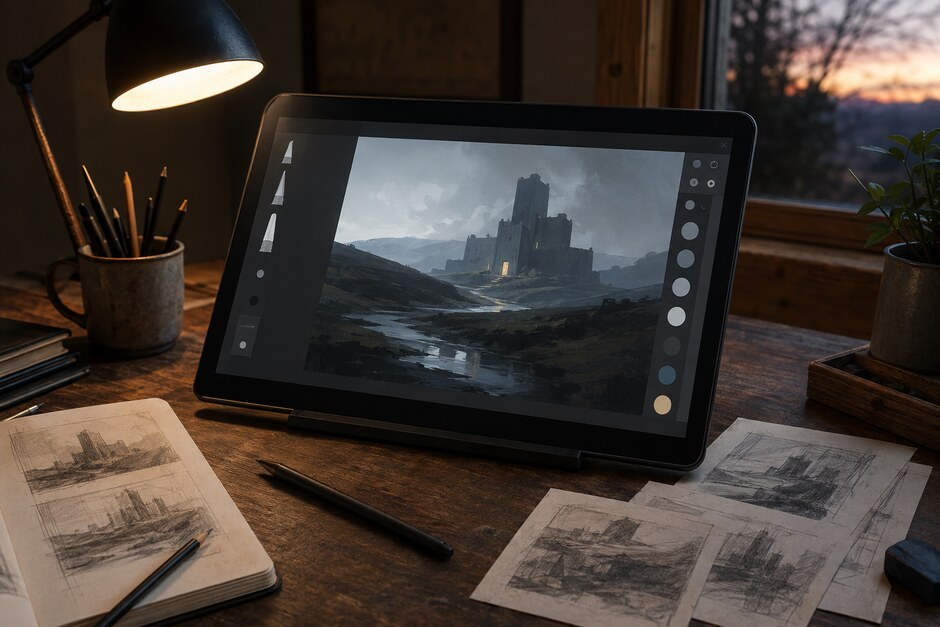
Export the three thumbnails, the flat block-in, and the finished study as one contact sheet. Note which problems required tool changes and which were solved by a better shape. Store it under process or brush economy in your personal reference library.
Repeat the drill with different subjects before changing the brush set. Three studies reveal far more about a tool than one polished image. When you return to a larger library, each brush will have a clearer purpose—and you will be less likely to confuse a new texture with a better decision.